
Introduction
Getting started
This Insurance Management System is a web-based software designed to streamline policy administration and claims processing within the various departments of Bedrock Insurance.
Dashboard Overview
Get a comprehensive overview of policy performance, key metrics, and customer activity.
Policy Management
Manage and track policies, streamlining underwriting workflow and risk assessment.
Claims Processing
Monitor claim status, assessment, settlements, and resource allocation for optimal execution.
Customer Management
Ensure compliance and financial control while managing customer relationships
This documentation will guide you through the key features and functionalities of the software, enabling you to use it effectively to enhance project execution and reporting
Understanding the Application
This system comprises several interconnected modules that form a powerful ecosystem for insurance operations. Let's explore the fundamental architecture that drives this platform before delving into specific functionalities. This overview will clarify how different system components interact to deliver a seamless insurance management experience.
Core Components
Operations: The highest-level organizational unit, representing the customer-facing insurance activities. Operations provide a strategic overview of customer management, policies, claims, and endorsements. Think of this as the front-office component for managing insurance business.
Policies: Individual insurance contracts issued to customers. Each policy has specific coverages, endorsements, and terms with a comprehensive audit trail. Policies serve as the primary unit for tracking coverage and managing risk exposure
Claims: Formal requests for compensation following a loss event, defining the assessment process, settlement details, and financial terms. Each claim contains::
The Integrated Insurance Management System provides a central hub for managing all aspects of policies and claims within the company. By leveraging its features, users can streamline workflows, improve customer service, and gain valuable insights into business performance.
Navigation
The following sections detail the main navigation areas of the application. The system is organized into logical modules that reflect the core insurance business functions.
Operations
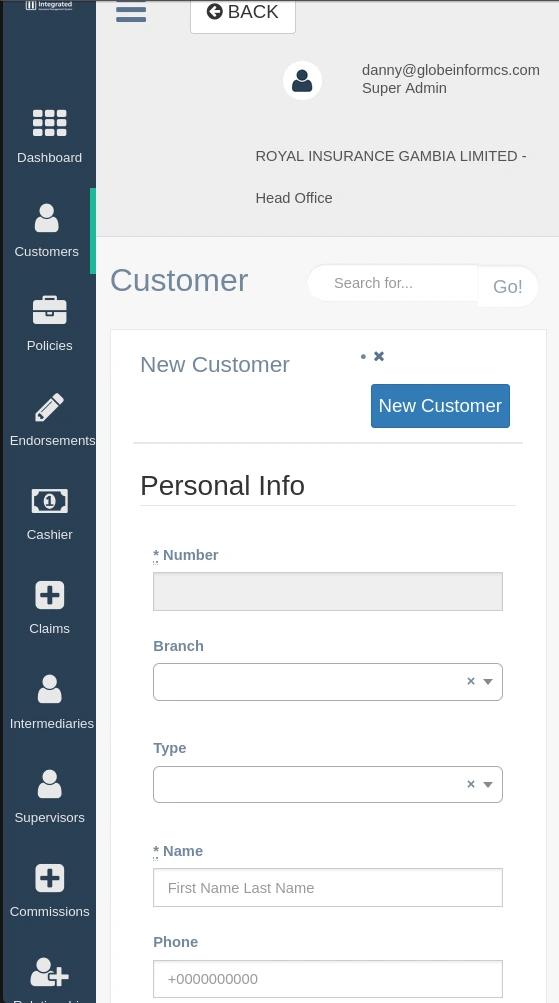
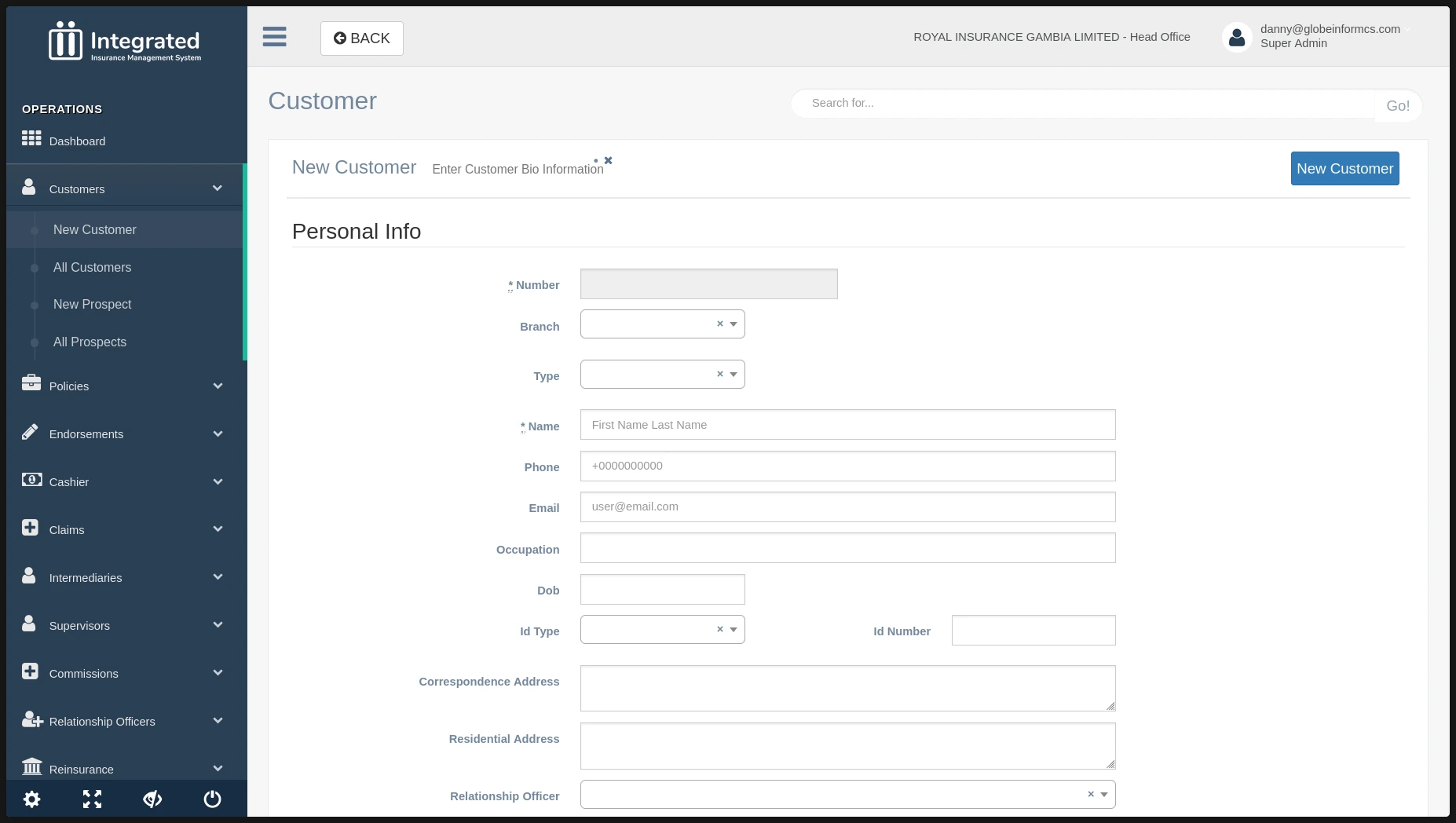
The Operations section of the sidebar contains key customer-facing insurance functions:
Dashboard: Provides an overview of operational metrics, active policies, recent claims, and customer activity.
Customers: Manages all existing and prospect customer information and interactions.
Policies: Handles policy issuance, renewal, and management.
Endorsements: Manages changes and amendments to existing policies.
Cashier: Processes premium payments and other financial transactions.
Claims: Facilitates the entire claims lifecycle from registration to settlement.
Intermediaries: Manages broker and agent relationships, commissions, and performance.
Supervisors: Controls access and authorization levels for team oversight.
Commissions: Tracks and processes commission payments to intermediaries.
Relationship Officers: Manages customer service representatives and their customer portfolios.
Reinsurance: Handles risk transfer to reinsurers and manages reinsurance contracts.
Finance & Accounting
The Finance & Accounting section provides tools for managing the financial aspects of the insurance business:
Dashboard: Displays key financial metrics and indicators.
Receipts: Tracks all incoming payments.
Payments: Manages outgoing payments for claims and expenses.
Bank and Cash: Monitors bank accounts and cash positions.
Journals: Records accounting entries and transactions.
Customers: Financial view of customer accounts and balances.
Vendors: Manages supplier relationships and payments.
Fixed Assets: Tracks company assets and depreciation.
Chart of Accounts: Defines the company's accounting structure.
Setup: Configures financial parameters and settings.
Reports: Generates financial statements and analysis.
Document Management
This section provides tools for managing all system-related documentation:
- Documents: Stores, categorizes, and retrieves policy documents, claim forms, and other critical files.
Company
The Company section contains corporate-level settings and configurations:
Branches: Manages the company's physical locations and their specific settings.
Users & Roles: Managing user accounts, roles, authorization levels, rules, permission violations & restriction overrides
Dashboards: Managing the different dashboards different users are allowed to see
Tools: Super admin tools for checking stuff such as metrics, bulk reversals and background jobs
End of Cycle: Create, update, view and delete new, daily, monthly or annual end of cycles